Twitter

The Widgetkit Twitter module is the neatest way to display tweets directly on your website. All displayed tweets get cached so they show up super fast, even if Twitter is not available.

Features

  • Filter tweets by hashtags, words, from users, to users, referencing users
  • Block tweets using a blacklist
  • Tweets are cached for high performance
  • Tweets show up even if Twitter is not available
  • 3 different styles to show your tweets
  • Responsive design to fit all device resolutions
  • Built with HTML5 using article and time elements
  • Works with Joomla and WordPress

How To Use

Create a Twitter module in Joomla or a Twitter widget in WordPress and publish it in a module position. A lot of options are available to choose which tweets you want to show.

For example you can show only tweets from a specific user or tweets that contain a certain hash-tag or a specific word. All options can be combined. To filter by more than one word or user use a space between them. For example: yootheme joomla.

Spotlight

The Widgetkit Spotlight allows you to add an overlay to your images, which fades or moves in on mouse hover. The overlay can be an image or HTML content. The default magnifier spotlight is a perfect match for the Widgetkit lightbox.

Features

  • Create nicely animated image overlays
  • Supports custom image or HTML content overlays
  • 5 different animation modes
  • Responsive design to fit all device resolutions
  • Built with the latest jQuery version
  • Works with Joomla and WordPress

Examples

If no custom overlay is set, the default spotlight fades in an overlay with a magnifier image. If you define a custom overlay, you can choose between different animations - fade, bottom, top, right and left.

How To Use

Use the HTML5 custom data attribute data-spotlight to activate the spotlight.

<a data-spotlight="on" href="/mypage.html">
  <img src="/image.jpg" width="180" height="120" alt="" />
</a>

To create a custom overlay, use a div element with the CSS class overlay. You can set the effect parameter to the data attribute. For example:

<a data-spotlight="effect:bottom;" href="/mypage.html">
  <img src="/image.jpg" width="180" height="120" alt="" />
  <div class="overlay">Custom Overlay</div>
</a>

You can set the effect parameter to fade, bottom, top, right and left.

Lightbox

The Widgetkit Lightbox allows you to view images, HTML and multi-media content on a dark dimmed overlay without having to leave the current page.

Features

  • Display images, videos, HTML, Iframes, Ajax requests and SWF
  • Supports YouTube, Vimeo, MP4 (h.264), WebM and FLV movies
  • Group lightboxes and mix different content types
  • Responsive design to fit all device resolutions
  • Load other widgets in a lightbox
  • 3 different opening and closing transitions
  • 4 different caption styles
  • Keyboard and mouse scroll wheel navigation
  • Built on the latest jQuery version
  • Works with Joomla and WordPress

Examples

Different animations - fade, elastic and none

Different title positions - float, inside and over

Various examples in one gallery (try also using the keyboard and mouse scroll wheel)

Lorem ipsum dolor sit amet, consectetur adipisicing elit, sed do eiusmod tempor incididunt ut labore et dolore magna aliqua. Ut enim ad minim veniam, quis nostrud exercitation ullamco laboris nisi ut aliquip ex ea commodo consequat. Duis aute irure dolor in reprehenderit in voluptate velit esse cillum dolore eu fugiat nulla pariatur. Excepteur sint occaecat cupidatat non proident, sunt in culpa qui officia deserunt mollit anim id est laborum.

Load Widgets In A Lightbox

Use #wk-ID to load widgets like slideshows or galleries in a lightbox. For example: Widgetkit Slideshow

<a data-lightbox="width:600;height:300;" href="#wk-10">Lightbox</a>

How To Use

Use the HTML5 custom data attribute data-lightbox to activate the lightbox. You can set various lightbox parameters to the data attribute. For example:

<a data-lightbox="width:1000;height:600;" href="http://www.wikipedia.org">Lightbox</a>

Here is a list of the most common parameters:

  • titlePosition - How should the title show up? (float, outside, inside or over)
  • transitionIn - Set a opening transition. (fade, elastic, or none)
  • transitionOut - Set a closing transition (fade, elastic, or none)
  • overlayShow - Set to true or false
  • scrolling - Set to yes or no
  • width - Set a width in pixel
  • height - Set a height in pixel
  • padding - Set a padding in pixel

Slideshow

The Widgetkit Slideshow is the ultimate image and content slideshow for Joomla and WordPress. It's flexible, easy to customize and completely built with HTML5 and CSS3.

Features

  • Clean and very lightweight code
  • 17 eye-catching transition effects
  • Fully responsive including all effects
  • Uses hardware accelerated CSS3 animations
  • Supports HTML captions
  • Swipe navigation on mobile devices
  • Built with HTML5, CSS3, PHP 5.3+ and the latest jQuery version
  • Works with Joomla and WordPress

Slideshow Screen Example

This is an image slideshow with the famous Ken Burns effect.

Lishay 007

Slideshow Default Example

This is an image slideshow with eye-catching transition effects.

Showcase Box Example

This a content showcase using all the features from the Slideset widget as a navigation. Any kind of HTML content can be used inside the navigation.

  • Апоквел - ЖИЗНЬ БЕЗ ЗУДА!
    Апоквел - ЖИЗНЬ БЕЗ ЗУДА!

    Апоквел устраняет зуд, независимо от его причины, снижает воспаление и отек. Апоквел действует быстро и эффективно!

  • Аромакальм — первый ошейник для борьбы со стрессом
    Аромакальм — первый ошейник для борьбы со стрессом

    Стресс является основной причиной большинства заболеваний: как сказал классик, «все болезни — от нервов…».

Showcase Button Example

This is an image slideshow with some nice navigation buttons. You can place any kind of HTML in the navigation buttons.

Tabs Example

This is a classic, tabbed slideshow. Tabs can be aligned to the left, right and center.

  • Статьи

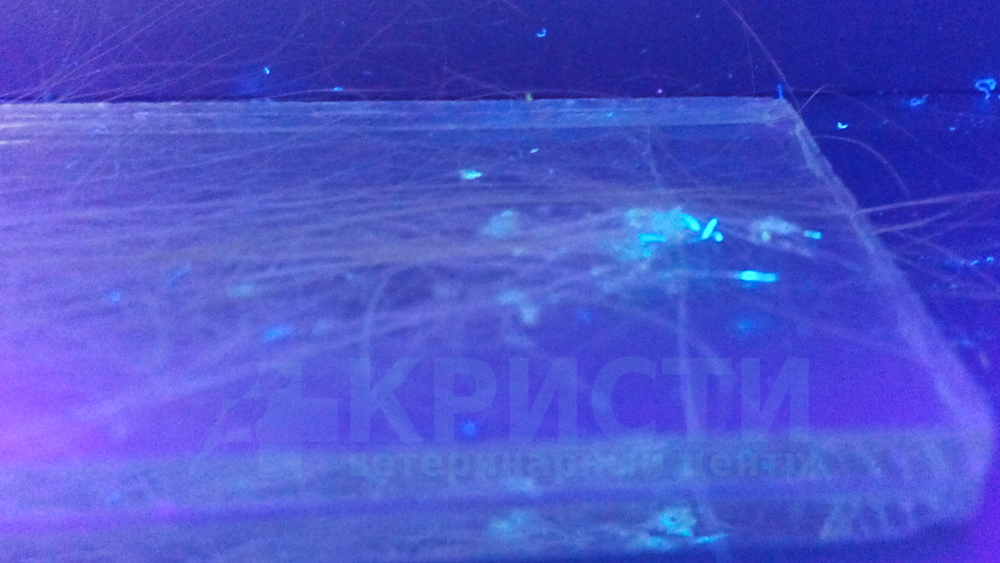
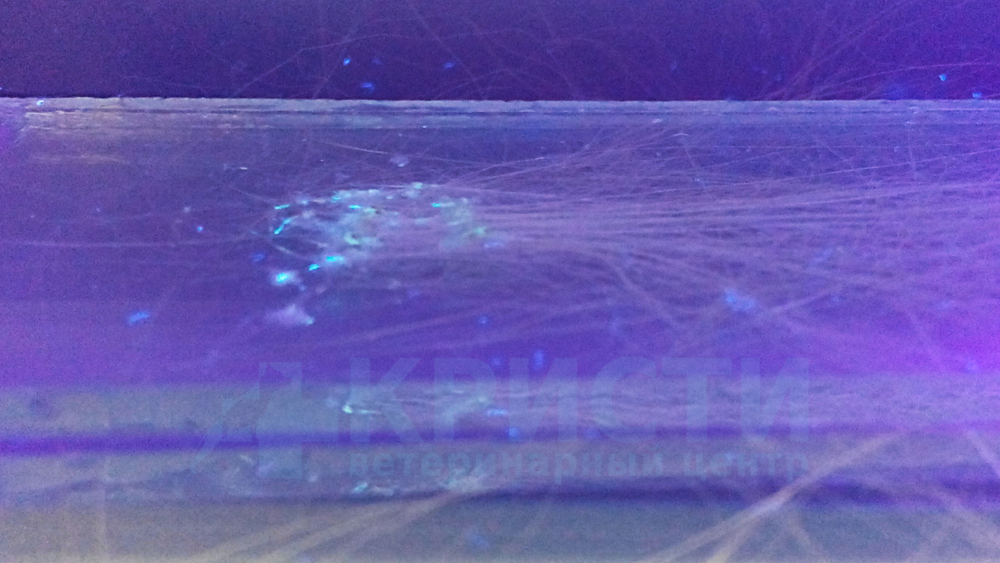
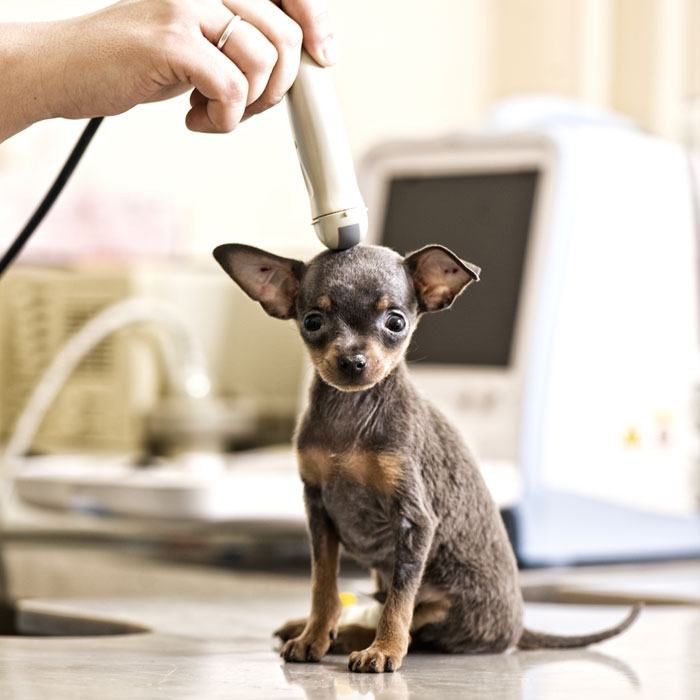
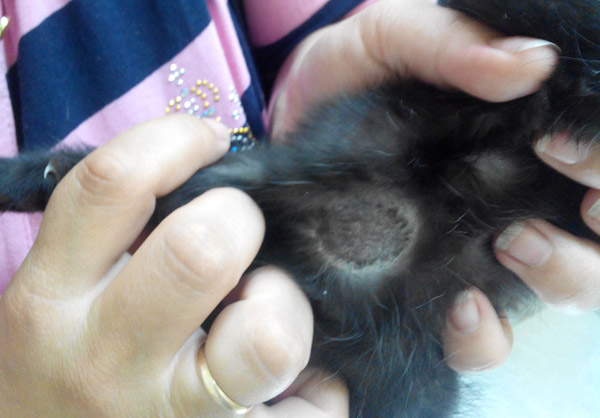
    Правила подготовки животного к УЗИ

    Для получения ультразвукового изображения необходим прямой контакт между датчиком и кожей, поэтому животным требуется выстригать волосяной покров в месте предполагаемого исследования и наносить специальный гель. Оставшийся после процедуры гель безопасен для животных, и они могут слизывать его без ущерба здоровью!

  • Статьи

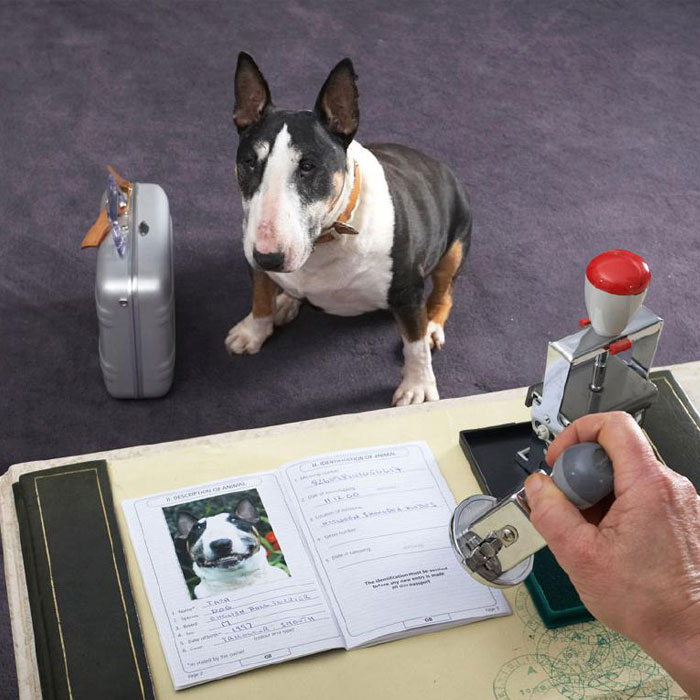
    Документы, необходимые для вывоза животного

    Уважаемые владельцы животных, если вы собираетесь со своим питомцем в поездку по России или за рубеж, если вы планируете посетить с ним выставку собак или кошек, вам потребуются следующие документы: 

  • Статьи

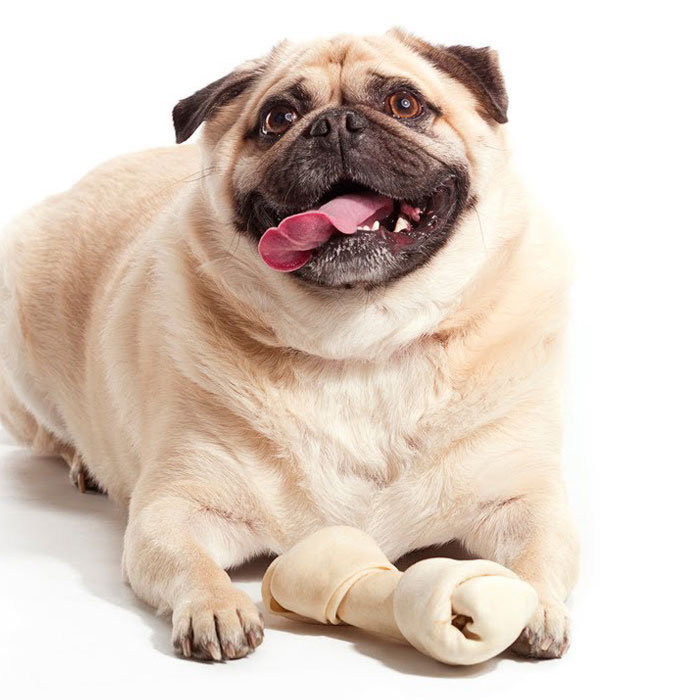
    Ожирение и его последствия для собаки

    Ожирение ведёт к жировым изменениям в печени. Наличие даже небольшого количества жира в печени угнетает печёночную функцию и способствует появлению сахарного диабета.

  • Статьи

    Стерилизация кошки

    Подготовка кошки к кастрации (стерилизации).

    Кастрация (стерилизация) кошки - хирургическая операция, которую ветеринарные врачи всего мира с успехом проводят уже много лет. Методики у разных врачей могут отличаться, но суть одна: при операции удаляются репродуктивные органы, что способствует снижению гормонального фона и навсегда исчезает возможность иметь потомство. 

  • Статьи

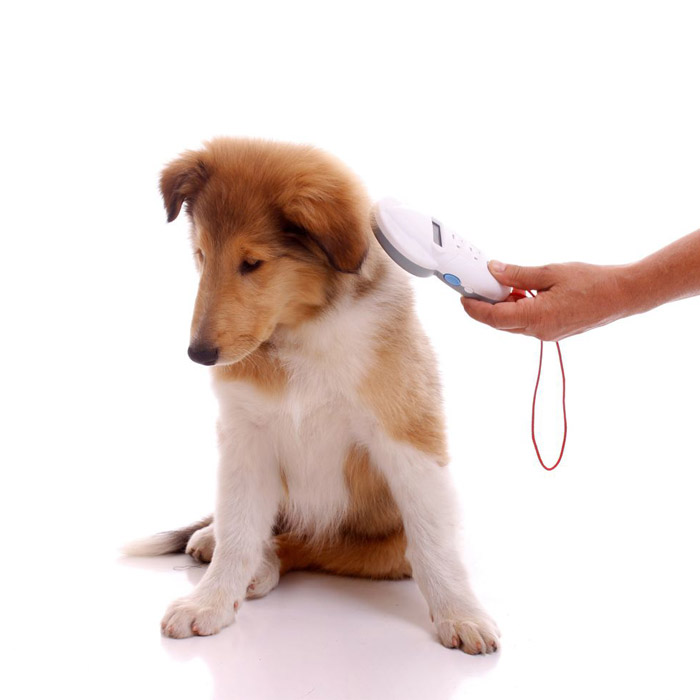
    Чипирование

    Не секрет, что у каждого вакцинированного животного есть ветеринарный паспорт, куда заносятся данные о прививках и других профилактических мероприятиях. А многие ли владельцы животных слышали об электронной идентификации животных (чипировании)? Полагаю, что нет!

    Чипирование животных. Простота и удобство.

    Что же такое чипирование животных и для чего это нужно?

  • Статьи

    Котенок

    Кошка относится к семейству млекопитающих отряда хищных (Felidae). Как достойный представитель хищников, это животное отличается силой, ловкостью и гибкостью. Передвигаются кошки осторожно и беззвучно, в большинстве своём отлично плавают, хотя чаще всего воду не любят. Лучше всего у них развиты зрение и слух.

  • Правила подготовки животного к УЗИ
  • Документы, необходимые для вывоза животного
  • Ожирение и его последствия для собаки
  • Стерилизация кошки
  • Чипирование
  • Котенок

Tabs Bar Example

This is a slideshow with a tabbed navigation bar. Tabs can be aligned to the left, right and center.

List Example

This is a slideshow with a vertical tabbed list as a navigation.

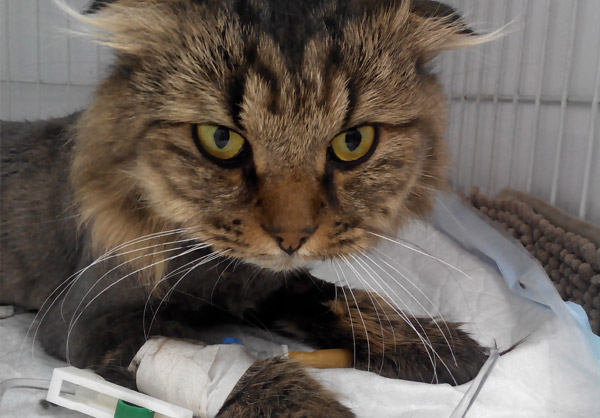
Бенедикт

Это могла быть обычная смена, если бы не одно НО - в начале 11-го утра на пороге клиники появилась женщина

Бенедикт

How To Use

The Widgetkit Slideshow takes full advantage of the very user-friendly Widgetkit administration user interface. It has never been easier to create and manage all the slideshows and their different slides in one place. After you created a slideshow you can load it anywhere in your theme using shortcodes or the universal Widgetkit Joomla module or WordPress widget.

Agency

Monday offers
a number of services

Lorem ipsum dolor sit amet, consectetuer adipiscing elit. Aenean commodo.

Demo
Marketing Statistics

Lorem ipsum dolor sit amet, consectetuer adipiscing elit. Aenean commodo.

Demo
Web & Digital

Lorem ipsum dolor sit amet, consectetuer adipiscing elit. Aenean commodo.

Demo
Print & Layout

Lorem ipsum dolor sit amet, consectetuer adipiscing elit. Aenean commodo.

Demo
Conceptual Design

Lorem ipsum dolor sit amet, consectetuer adipiscing elit. Aenean commodo.

Demo
Full Service

Lorem ipsum dolor sit amet, consectetuer adipiscing elit. Aenean commodo.

Home

Бенедикт

Это могла быть обычная смена, если бы не одно НО - в начале 11-го утра на пороге клиники появилась женщина

Бенедикт

Custom Widgets

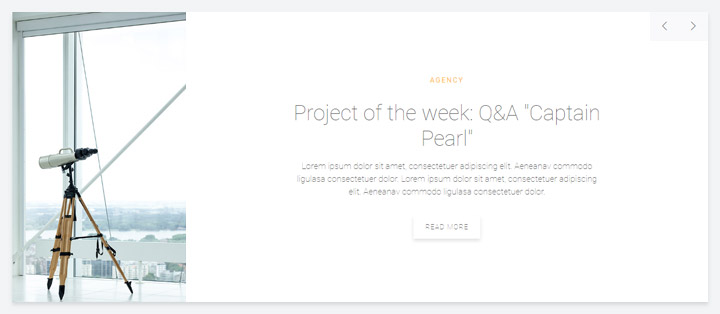
Monday theme comes with the content creator Widgetkit 2. In addition to all default widgets, it features 5 custom renderers – Tabs, Slideshow Panel, Slideshow, Grid, Twitter and List.

Tabs

Tabs

Monday features a custom Switcher widget. The tabbed navigation displays a border whose color will automatically adapt to the item's tag.

Slideshow panel

Slideshow panel

This Slideshow Panel provides the option to display each item's tag above the content.

The slidenav can be positioned at the top right, top left, bottom left and bottom right of the Slideshow Panel.

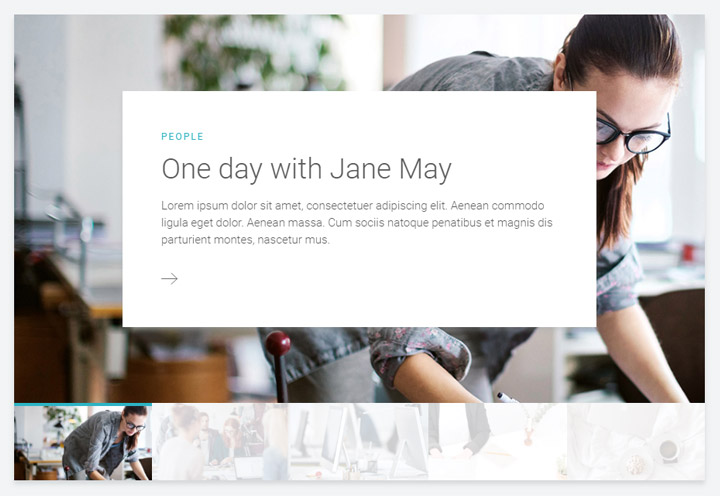
Slideshow

Slideshow

This Slideshow widget comes with a custom thumbnail navigation. Tags will be displayed as a colored border on top of every thumbnail, while the content appears on hover inside a panel on top of the item's image.

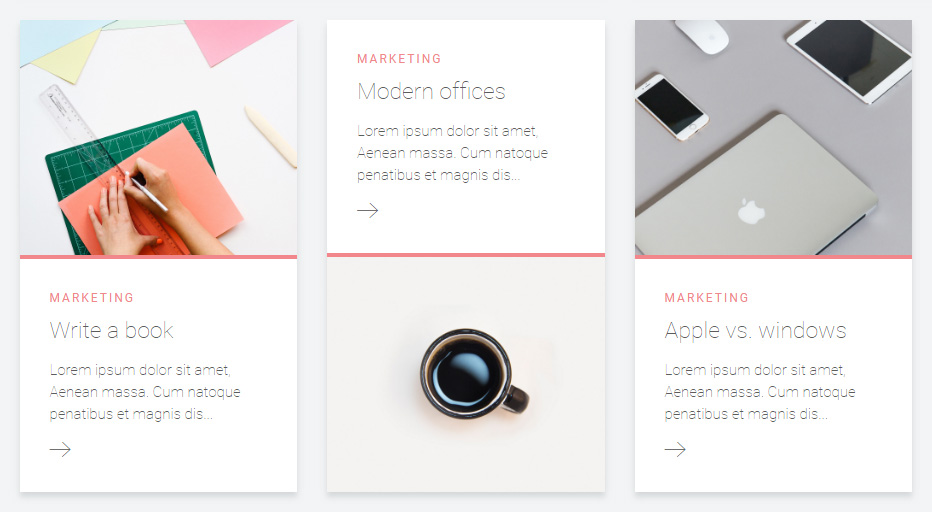
Grid

Grid

The custom Grid widget places images in a teaser layout above or in alternating order above and below the content.

Tags will be displayed as a colored border on top of the content.

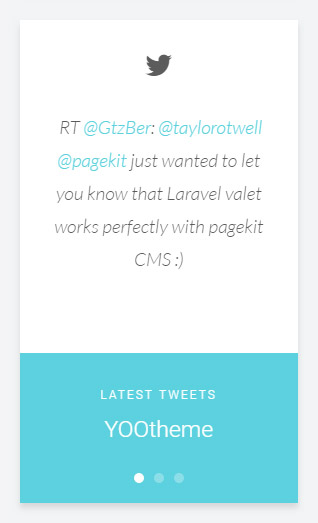
Twitter

Twitter

This Twitter widget publishes your latest three tweets inside a Slideshow.

List

List

The List widget allows you to add tags to list items. This is useful when publishing an overview of latest posts in the Sidebar.

Lorem ipsum dolor sit amet, consectetur adipisicing elit, sed do eiusmod tempor incididunt ut labore et dolore magna aliqua. Ut enim ad minim veniam, quis nostrud exercitation ullamco laboris nisi ut aliquip ex ea commodo consequat. Duis aute irure dolor in reprehenderit in voluptate velit esse cillum dolore eu fugiat nulla pariatur. Excepteur sint occaecat cupidatat non proident, sunt in culpa qui officia deserunt mollit anim id est laborum.

UIkit


Article title

UIkit

Lorem ipsum dolor sit amet.

Lorem ipsum dolor sit amet, consectetur adipisicing elit, sed do eiusmod tempor incididunt ut labore et dolore magna aliqua.

<div class="myclass">...</div>

text-muted
text-primary
text-success
text-warning
text-danger
a element
em element
strong
code element
del element
ins element
mark element
q inside a q element
abbr element
dfn element

Badge 1 Success 4 Warning 3 Danger 4

h1

h2

h3

h4

h5
h6

Lorem ipsum dolor.

Someone famous
  • Author

    May 2, 2090 at 1:55 pm

    Lorem ipsum dolor sit amet, consetetur sadipscing elitr, sed diam nonumy eirmod tempor invidunt ut labore et dolore magna.

Divider

Lorem ipsum dolor sit amet, consectetur adipisicing elit.

Header

Lorem ipsum dolor sit amet, consectetur adipisicing elit.

Box

Lorem ipsum dolor sit amet, consectetur adipisicing elit.

Box primary

Lorem ipsum dolor sit amet, consectetur adipisicing elit.

Box secondary

Lorem ipsum dolor sit amet, consectetur adipisicing elit.

Info message

Success message

Warning message

Danger message

55%
55%
55%
55%
Form states
Form styles


  • List item 1
  • List item 2
  • List item 3
  • List item 1
  • List item 2
  • List item 3
Table caption
Table Heading
Table Data
Table Data
Description lists
Description text.
Description lists
Description text.

Title

Lorem ipsum dolor sit amet, consetetur sadipscing elitr.

Title

Lorem ipsum dolor sit amet, consetetur sadipscing elitr.

Layouts

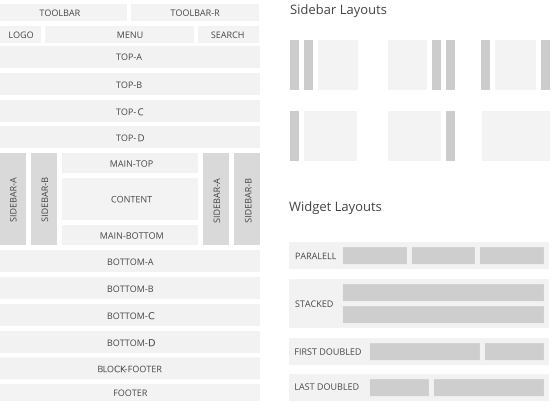
Warp comes with a sophisticated layout system to create any kind of sidebar or widget layout. You can easily manage the sidebar's positions and widths in the theme administration. Widgets can have different styles and be placed in any position offered by this theme. Each position has its own layout. You can align widgets side-by-side, stack them or choose your own grid layout. Show or hide widgets on mobile devices, while the grid adapts perfectly to your layout.

Warp Layout System
  • 1
  • 2